AI Engine can also help you directly inside your posts through Magic Wand icons, and with a chatbot popup, which trigger AI-powered automated actions such as generating content, media, and more for your posts.
Start by enabling the “AI Copilot” module in the Admin Modules settings.
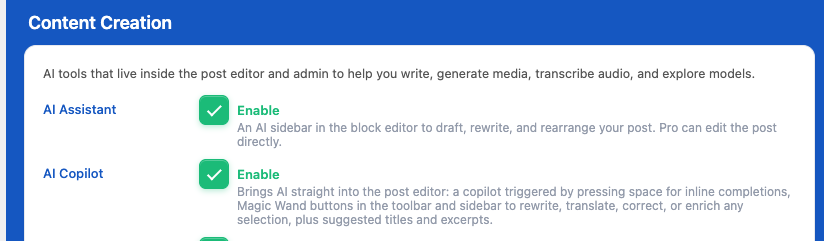
This features are designed to work with the WordPress Gutenberg block editor.
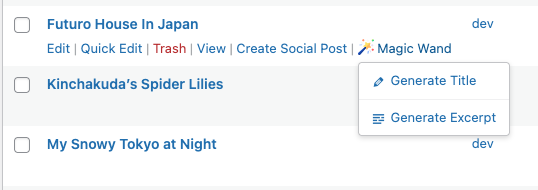
Then you’ll be able to trigger the Magic Wand from different places:
- Post listing table
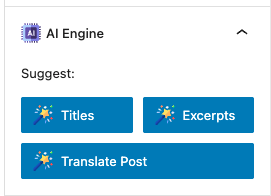
- Post settings
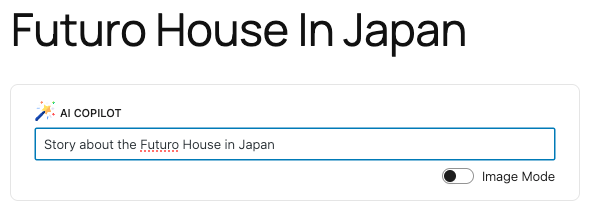
- Post content ( press space to trigger )
- Post blocks
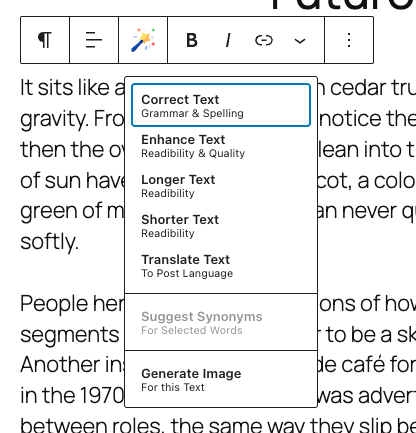
Copilot
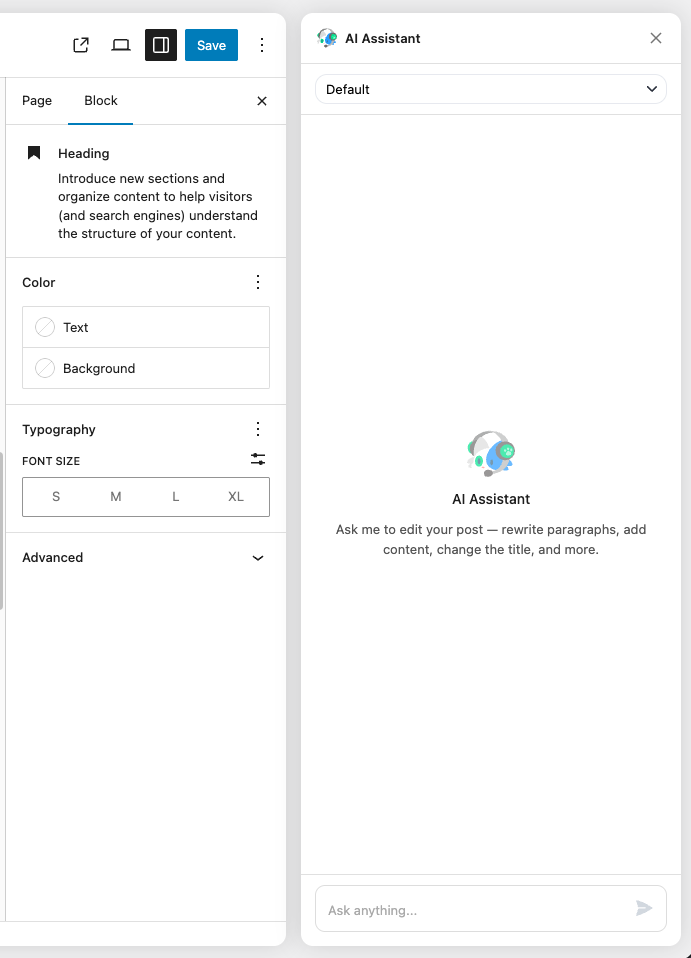
You will also have a Nyao pop-up icon in the bottom right corner of your screen.

If you click on it, it will open up a side panel, which is literally an AI engine chatbot. It is powered by a suite of function-calling tools made for post-editing, so you can ask it to write, correct, change, or update anything, and it will do it in front of you.
Magic Wand Customization
The Magic Wand module in AI Engine allows you to customize the instructions (prompts) sent to the AI for each feature.
To modify the instructions sent to the AI, you can use the `mwai_prompt_{actionName}` filter. This allows you to change the system prompt or the instructions wrapper without replacing the entire logic.
The following actions are available for customization:
- correctText (Correct Text)
- enhanceText (Enhance Text)
- longerText (Longer Text)
- shorterText (Shorter Text)
- translateText (Translate Text)
- translateSection (Translate Post Section)
- suggestSynonyms (Suggest Synonyms)
- generateImage (Generate Image)
- suggestExcerpts (Suggest Excerpts)
- suggestTitles (Suggest Titles)
If you want to change the behavior of the “Correct Text” feature (e.g., to make it more formal), you can use the following code snippet in your theme’s `functions.php` or a custom plugin:
add_filter( 'mwai_prompt_correctText', function( $prompt, $arguments ) {
    // $prompt contains the default instruction.
    // $arguments contains context like 'postId', 'text', etc.

    // Return your custom instruction
    return "Correct the grammar and spelling in this text. Please ensure the tone is professional and formal. Keep the same language.\n\n";
}, 10, 2 );
If you need to completely change how a feature works (not just the text prompt), you can hook into the `mwai_magic_wand_{action}` filter. This filter expects the result array to be returned.
add_filter( 'mwai_magic_wand_correctText', function( $result, $arguments ) {
    // Perform your own logic here
    // ...

    return [
        'mode' => 'replace',
        'type' => 'text',
        'result' => 'This is the replaced text.',
        'results' => ['This is the replaced text.']
    ];
}, 10, 2 );