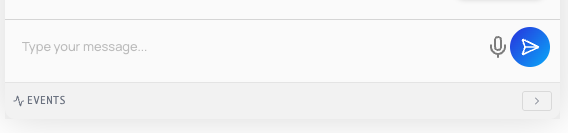
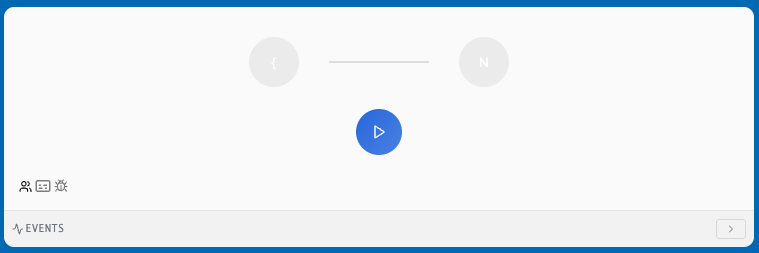
You can set your chatbot mode to Realtime to use OpenAI’s voice-to-voice models, which support both voice input and voice output.
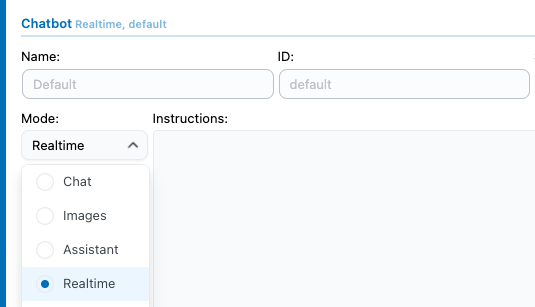
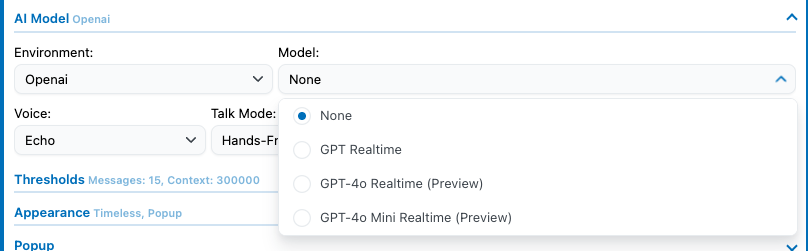
Make sure to have an OpenAI Environment selected as well as a realtime model; if both are not selected properly, the chatbot won’t be able to work.
Text To Speech
With the regular chatbot, text-to-speech is not supported natively by AI Engine, but some freelancers have developed AI Engine addons that handle this functionality.
Speech To Text
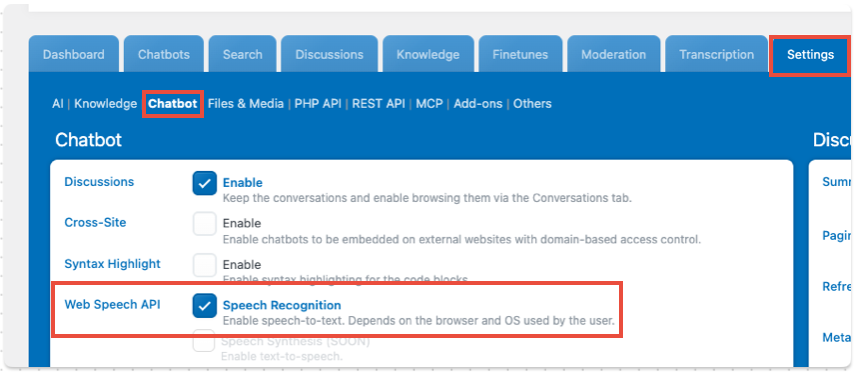
A regular chatbot can support voice input to write messages instead of typing. Note that this does not rely on any AI transcription model, nor is this a feature of the plugin itself. This uses your web browser’s built-in Web Speech API, so the result and the supported languages you get from it depend on your current device.
Correct the typos and grammar mistakes in this text without altering its content. Ensure the reply is in the same language as the original text.
Ensure the reply is in the same language as the original text (en_us, English).
You can enable this by going to Settings > Chatbot > Web Speech API.
This will add a microphone icon in the message input section of your chatbot: